

Top 5 SEO Plugins for WordPress in 2025 (Features, Pros & Cons)
Focus Keyword: SEO plugins for WordPress
Meta Description: Discover the top SEO plugins for WordPress in 2025, with expert insights on features, pros and cons. Boost your website traffic, rankings, and user experience with the best SEO tools for every WordPress site.
Introduction
If your goal is to build a WordPress website that actually ranks on Google and gets traffic, you can’t ignore SEO plugins. These tools turn the whole game around—they let you optimize every single page, track keywords, fix errors, and outsmart your competition.
But in 2025, there are dozens of plugins, and the right choice can mean the difference between a dead site and a website that gets real organic traffic. I’ve built enough sites and tried almost every plugin—here’s my no-nonsense breakdown of the top contenders, why they work, and what you should actually use if you want results.
Why WordPress SEO Plugins Matter in 2025
Let’s face it: Google isn’t getting any easier. Competition is rising, algorithms change monthly, and old-school tricks don’t work anymore. You need:
- Real-time optimization
- Keyword tracking
- Schema markup for rich snippets
- Speed improvements
- SERP previews and meta data control
The right SEO plugin instantly gives you these advantages—skip them, and you’ll never rank for anything valuable.

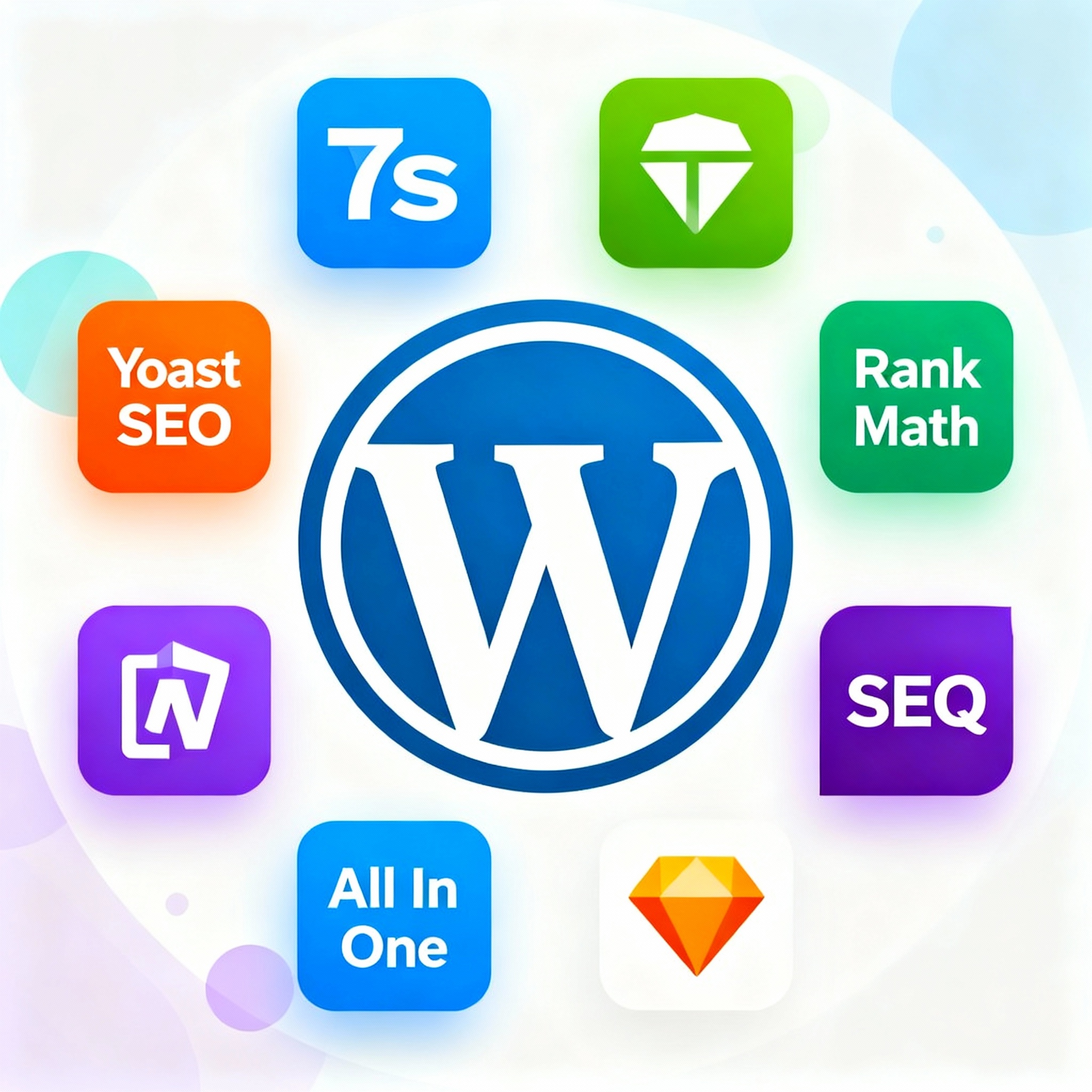
- Yoast SEO
The OG of WordPress SEO plugins, Yoast still dominates in 2025. If you want a simple interface, instant SEO feedback, and solid on-page tools, Yoast is your go-to.
Key Features:
- Instant content analysis
- Automatic XML sitemap generation
- Meta description and title tag optimization
- Breadcrumb control
- Schema markup for posts/products
- SERP preview
- Beginner-friendly wizard
Pros:
- Free version is powerful
- Huge documentation and tutorials
- Real-time feedback (you know what to fix)
Cons:
- Some advanced features require Pro ($99/year)
- Slightly heavy on resources
Best for: Beginners, portfolio sites, personal blogsseo+3
- All in One SEO (AIOSEO)
AIOSEO is perfect if you want everything in one package—local SEO, social markup, advanced schema, on-page analysis, and link suggestions.
Key Features:
- TruSEO on-page analysis
- SEO checklist
- Smart XML and video sitemaps
- Social media preview
- Rich schema markup
- Internal link assistant
- WooCommerce and E-Commerce integration
Pros:
- Clean dashboard
- Works for all business types
- Great support
Cons:
- Some features (like IndexNow and advanced schema) are Pro only (starts at $49/year)
Best for: Small business sites, e-commerce, pros who want full controlwprblogger
- Rank Math
If you want next-level SEO with AI-powered suggestions at a lower price, Rank Math is the plugin to beat in 2025.
Key Features:
- AI content suggestions
- Full schema customization
- Built-in analytics and reports
- Free version is feature-rich
- WooCommerce SEO included
- Advanced redirections
Pros:
- Powerful free plan
- Blazingly fast
- Excellent support forums
Cons:
- Too many options at first for absolute beginners
Best for: Agencies, serious bloggers, anyone building more than one siteberocket
- SEOPress
SEOPress is a hidden gem. It’s lightweight, privacy-focused, and perfect for technical SEO work.
Key Features:
- Meta title and description management
- Google Analytics integration
- Breadcrumb, RSS, and schema tools
- WooCommerce compatibility
- White label for agencies
Pros:
- Affordable ($49/year)
- Minimal design
- Fast performance
Cons:
- Smaller user community
Best for: Developers, freelancers, privacy-conscious brands

- MonsterInsights
This plugin isn’t just about SEO—it’s all about analytics and understanding your visitors. It’s the #1 choice to connect Google Analytics to WordPress.
Key Features:
- One-click GA integration
- Real-time stats
- Enhanced eCommerce tracking
- SEO insights for every post/page
Pros:
- Easy setup
- Deep analytics reports
- Works with WooCommerce
Cons:
- Not a complete SEO suite (pair with Yoast/Rank Math)
Best for: Marketers, site owners who want to track every clickseedprod+1
Key On-Page SEO Words for This Niche
- SEO plugins for WordPress
- best WordPress SEO plugins
- WordPress SEO tools
- meta description optimization
- schema markup plugin
- XML sitemap generator
- keyword rankings WordPress
- WooCommerce SEO
- site speed optimization plugin
- SEO checklist
How to Choose the Right SEO Plugin
If you’re starting out, grab Yoast SEO or AIOSEO—both are plug-and-play and give you all the basic SEO wins.
If you want more features, automation, and scaling: go with Rank Math.
Running an e-commerce shop? You need the advanced tools in AIOSEO or Rank Math.
Technical SEO? Check out SEOPress.
Want laser-focused analytics? MonsterInsights is your best friend.
Quick Setup Tips
- Set your focus keyword in every post (use your plugin’s “focus keyword” feature)wpsupportspecialists+1
- Add SEO titles, meta descriptions, and schema to every page
- Generate an XML sitemap and submit it to Google Search Console
- Use built-in suggestions to fix red flags
- Track your keyword rankings weekly
- Check your analytics for what’s working (and what’s not)
Conclusion
SEO plugins for WordPress have evolved fast in 2025, and installing the right one can be the easiest SEO upgrade you ever make. They help you rank higher, drive more organic traffic, and keep your site competitive even if you’re new to digital marketing or blogging.
Whether you’re building your first personal website, scaling an agency, or running e-commerce, there’s a top SEO plugin for you. Pick the right tool, follow the basics above, and watch your growth take off. and for more info checkout our website HERE