

Essential WordPress Plugins Every Website Needs in 2025: Complete Guide for Beginners
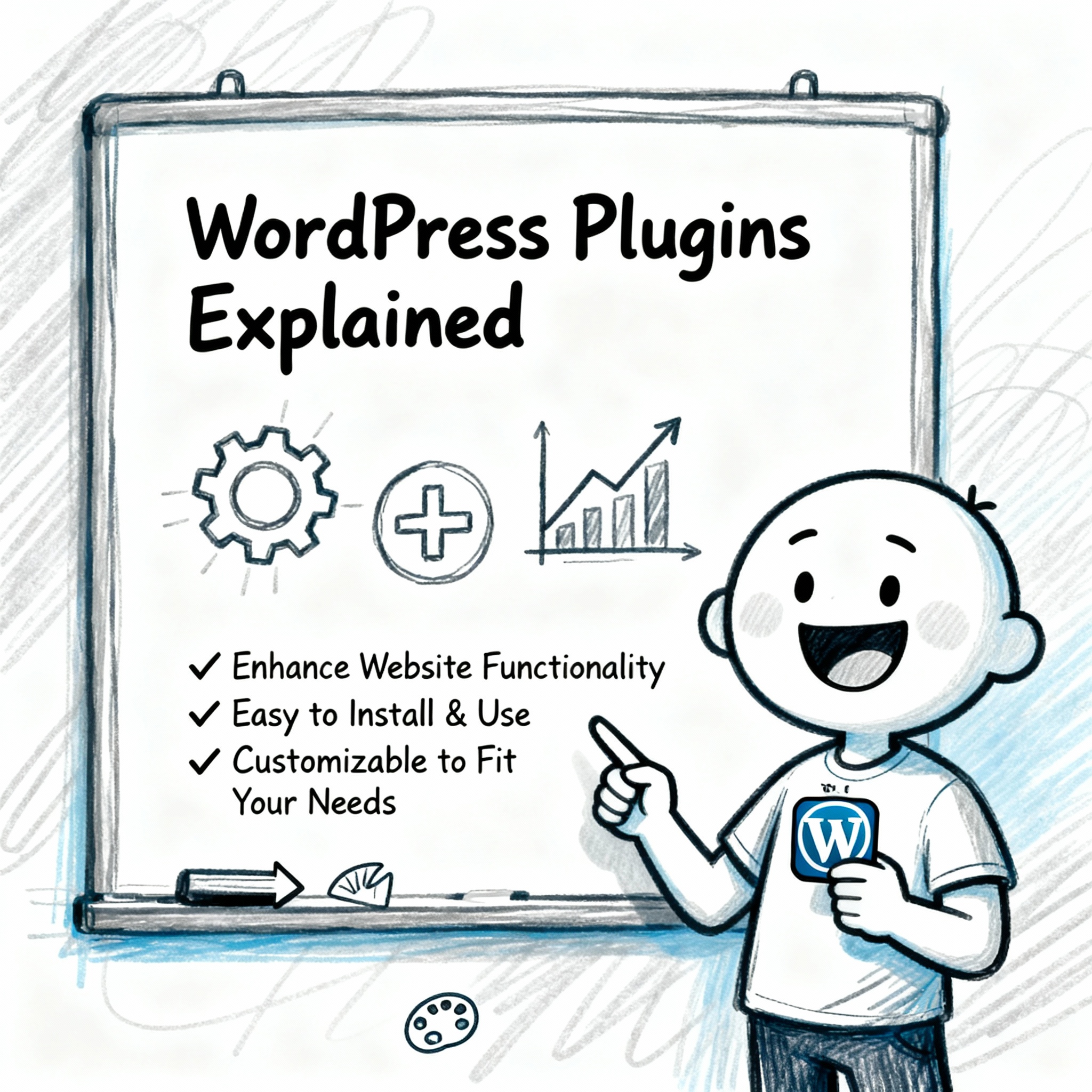
WordPress is the most powerful platform when it comes to customization and creating websites that work well and look cool and flashy at the same time, but the base WordPress can’t do it all. To make it complete, you need plugins. There are various types of plugins in WordPress—about 60,000 plugins that are available to download and use. They are too many to choose from, so in this blog we will get to the core of the plugins that are essential for the website. These are the plugins without which you can’t create a great website, and the plugins that are required to build the base of your amazing website because plugins make the website high in performance, secure, and SEO optimized. So we will shortlist the best ones in the market for free.
Why WordPress Plugins Matter for Your Website
The main reason that we use plugins is to reduce the time it takes to create things through code and add extra features to the website. They add some personal touch to it and make it good in the presentation and cut the creation time to half, so it’s faster and quicker to use and execute. But you just can’t install every plugin that you see because installing too many plugins will eventually slow the website down. It will take more time to load, which will destroy the website traffic and the ranking on Google, so you don’t want to install too many of them. Today we will discuss the best ones and the required ones that you will need to install and use that will not slow you down and help you grow.
Essential WordPress Plugins by Category
- SEO Plugins – Getting Your Site Found on Google
Why You Need an SEO Plugin
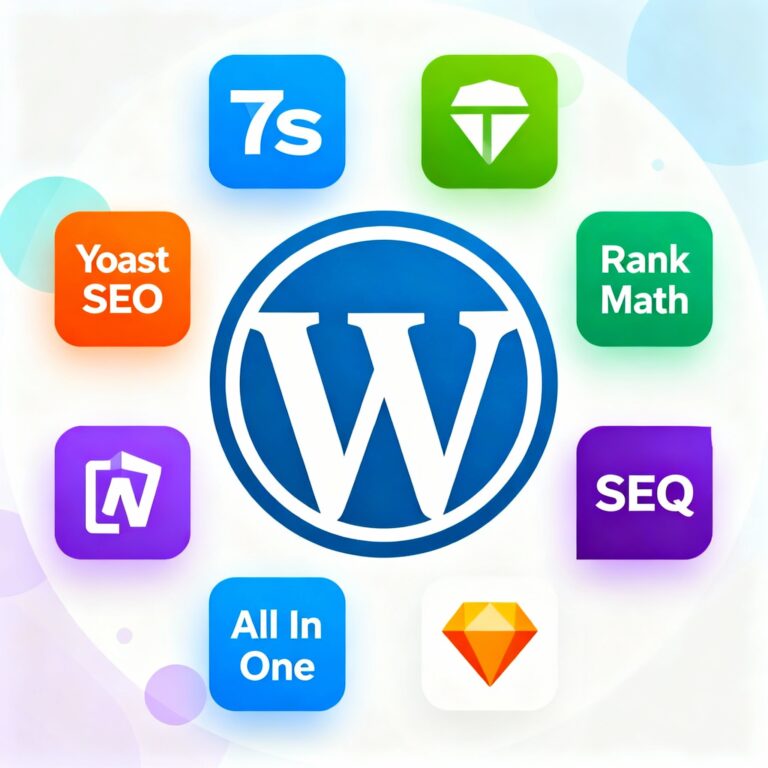
The SEO plugin is so important because it helps you with getting found on Google, so you can’t ignore it. It is the reason you will get found on Google and people will see your content and you will get the clicks, and that way you can generate the traffic of the website. So the most essential plugin you need to have, the must-have, is the SEO plugin. There are various plugins for that like Rank Math, All in One SEO, and Yoast SEO because the SEO helps in the optimization of the content, creates sitemaps, and improves search engine ranking.
Best SEO WordPress Plugin
Yoast SEO: Best for Beginners
- One of the most popular SEO plugins with over 5 million active installations
- Offers real-time content analysis and SEO recommendations
- Includes XML sitemap generation, meta description editing, and breadcrumb navigation
- Free version available with premium upgrades starting at $99/year
- Perfect for beginners who need guidance on optimizing each post
The Yoast SEO is the best for people new to websites and digital marketing because it does not complicate things. It’s best for newbies that want to start and learn the basics of SEO and get better at it over time.
Rank Math SEO: Most Powerful for Rankings
- Feature-rich SEO plugin with built-in schema markup support
- Provides automated SEO analysis and keyword tracking
- Includes Google Search Console integration
- Offers modular approach – activate only features you need
- Free version is packed with features; premium starts at $59/year
The Rank Math SEO is the powerhouse in terms of the value they give even in the free version of it. They have built-in schema markup support, which is the plus point of Rank Math, and they have their AI to support you in the ranking and the mistakes you are making. But the most amazing features they offer are in the paid ones, but it’s totally worth it if you are serious about the SEO and your organic traffic.
All in One SEO (AIOSEO): Most Beginner-Friendly Interface
- Original WordPress SEO plugin with beginner-friendly interface
- Features TruSEO scoring system for on-page optimization
- Includes advanced robots.txt editor and redirection manager
- Offers local SEO features for businesses
- Free version available; premium starts at $49.50/year
The most beginner-friendly interface so new people can easily use that and simply make their SEO better with simple tricks. The All in One SEO also has local SEO features for businesses, and there is also the free option available, but the full features start at $49.50/year.
- Security WordPress Plugins – Protecting Your Website
Why You Need Security Plugins
The next required plugin that you need is security. I mean, you buy a house and leave the door open all the time? You don’t want that, right? You need the security system attached to your home. Same goes with websites as well, so you need to add some plugins that will add security to your website and you can be safe from the majority of the threats online. So this is the quick list of the plugins that you can use and that will help in securing your website.
Top WordPress Security Plugins
Wordfence Security: Best Overall Protection
- Comprehensive security plugin with firewall and malware scanner
- Includes two-factor authentication for login security
- Offers real-time traffic monitoring and threat detection
- Free version available; premium starts at $119/year
- Over 4 million active installations
Sucuri Security: Best for High-Traffic Sites
- Cloud-based website firewall for maximum protection
- Provides malware scanning and removal services
- Includes DDoS protection and security hardening
- Premium plans start at $199.99/year
- Best for high-traffic sites needing enterprise-level security
Solid Security (formerly iThemes Security): All-in-One Solution
- All-in-one security solution with backup features
- Includes brute force protection and file integrity monitoring
- Offers Magic Link password-less login option
- Free version available; premium starts at $99/year
- Backup Plugins – Never Lose Your Data
The Importance of Regular Backups
The next category is the backup. You don’t want to lose your data, right? Nobody does, unless you are some kind of a weirdo. I mean, that’s a different case. In that case, you need to see a therapist, not the blog. But anyway, if you are not in that category, you need a backup plan. You need the backup plugins, my friend.
Best WordPress Backup Plugins
Duplicator: Best Overall Solution
- Best overall backup and migration solution
- Supports full site backups with one-click restore
- Includes cloud storage integration (Dropbox, Google Drive, Amazon S3)
- Features scheduled automatic backups
- Free version available; premium starts at $49.50/year
UpdraftPlus: Most Popular for Cloud Storage
- User-friendly backup plugin with remote storage support
- Allows scheduled backups to multiple cloud services
- Includes one-click restore functionality
- Over 3 million active installations
- Free version available; premium starts at $70/year
WPvivid: Reliable and Free
- Reliable backup and migration plugin
- Offers automatic and manual backup options
- Supports external storage locations
- Free with premium features available
- Performance and Caching Plugins – Speed Up Your Site
Why Website Speed Matters for Rankings
The next important thing you need in the website after all the SEO, security, and backup options is speed—fast as light. And random trivia, if you are living under a rock: 3×1083×108 m/s is the speed of light. Nothing can be faster than this except your mom’s slipper thrown in your direction, and that’s a completely different topic. But you need a fast website so the user experience is great and the audience don’t go back because your website loads slower than a snail.
Best WordPress Caching Plugins
WP Rocket: Easiest Setup Premium Option
- Premium caching plugin with easiest setup
- Automatically enables 80% of web performance best practices
- Includes page caching, lazy loading, and database optimization
- Features JavaScript optimization and CSS minification
- Starts at $59/year; 14-day money-back guarantee
- No free version but worth the investment
W3 Total Cache: Best Free Caching Plugin
- Comprehensive free caching solution
- Offers page, browser, object, and database caching
- Includes CDN integration and minification features
- Google PageSpeed Insights integration built-in
- Free version available; premium starts at $99/year
LiteSpeed Cache: Free and Powerful
- Powerful caching with image optimization
- Includes lazy loading and database optimization
- Features built-in CDN support
- Completely free plugin
- Image Optimization Plugins – Reduce File Sizes
Why Image Optimization Matters for SEO
The next thing is the image optimization plugins because you will be uploading many images. Your blogs and your products need images to look good and explain to the audience what we are talking about, so it’s good to have the image optimization. Images are good for digital marketing, so there are various options in the market. Here are some plugins you can try and make the hassle easy just by installing them and letting them optimize the images for you in a few clicks because you don’t need heavy, large-size images on your website. So the image optimization is a must-have.
Best Image Optimization Plugins for WordPress
ShortPixel: Best Format Support
- Compresses JPG, PNG, GIF, and PDF files
- Supports WebP and AVIF conversion
- Includes bulk optimization for existing images
- Features built-in CDN with premium plans
- Free: 100 images/month; paid starts at $3.99/month
EWWW Image Optimizer: Privacy-Focused
- Automatic image compression on upload
- Includes lazy loading and WebP conversion
- Can optimize images outside media library
- Free version available; premium starts at $7/month
- Privacy-focused with server-side optimization option
Smush: Popular and Easy to Use
- Popular image compression plugin
- Automatic optimization with bulk smush feature
- Includes image resizing and lazy loading
- Free version available; premium offers unlimited optimization
- Contact Form Plugins – Connect With Your Audience
Why Every Website Needs a Contact Form
The next on the list is the contact form plugins because you need the emails for the remarketing and you can connect with your audience more. You can give them news of any updates or new features that you are offering, so it’s very important to have a way to connect with the audience and capture emails.
Best Contact Form Plugins
WPForms: Most Beginner-Friendly
- Most beginner-friendly form builder
- Drag-and-drop interface with pre-built templates
- Over 5 million active installations
- Includes spam protection and email notifications
- Free version available; premium starts at $49.50/year
Contact Form 7: Most Popular Free Option
- Most popular free contact form plugin (5+ million installs)
- Simple and lightweight solution
- Supports multiple forms and Akismet spam filtering
- Completely free but less user-friendly than premium options
Ninja Forms: Advanced Features
- User-friendly with advanced features
- 27+ form field types
- Integration with marketing services
- Free version available; premium starts at $99/year
- Analytics WordPress Plugins – Track Your Success
Understanding Your Website Performance
The next is the analytics plugin. You need them to tell you that the way you are working is actually working or not, so the analytics plugin is the best way to do it. You can get the insights and improve little by little and get more traffic to your website. So understanding how your website is performing is the crucial part of the website, and the WordPress plugins will help you in that easily. You can just install them and get the insights. Here are some great options that can help you.
Best Analytics Plugins
Google Site Kit: Free Official Google Plugin
- Official Google plugin for WordPress
- Integrates Analytics, Search Console, and AdSense
- View stats directly in WordPress dashboard
- No-code setup for Google services
- Completely free from Google
MonsterInsights: User-Friendly Google Analytics
- User-friendly Google Analytics integration
- Shows important metrics in WordPress dashboard
- Includes eCommerce tracking capabilities
- Free version available; premium starts at $99.50/year
How to Choose the Right Plugins for Your Site
- Only install plugins you actually need
- Check reviews and active installations
- Look for regular updates and good support
- Test plugins on staging sites first
- Avoid too many plugins that slow down your site
- Choose plugins from reputable developers
- Consider paid plugins for critical features
- Check compatibility with your WordPress version and theme
Best Practices for Managing WordPress Plugins
- Keep plugins updated regularly for security
- Delete unused plugins completely (don’t just deactivate)
- Back up your site before installing new plugins
- Monitor site speed after adding plugins
- Use quality plugins over quantity
- Check plugin conflicts if issues arise
- Read documentation before installing
- Use child themes to prevent conflicts
Conclusion
So this is the end of it. These are some basic plugins that will guide you through your long journey in website managing and digital marketing. So to wrap things up, we need plugins in WordPress to make your website great. Through the plugins, you can gain the edge you need to improve your website speed, security, and utility, and you can achieve what you want through your website. So the plugins are the building blocks of a great website, and it can be the difference between a regular website and an amazing one. So choose wisely and keep learning and stay hustling, guys and for more info checkout our blogs.